At a Glance
Best For
Overview
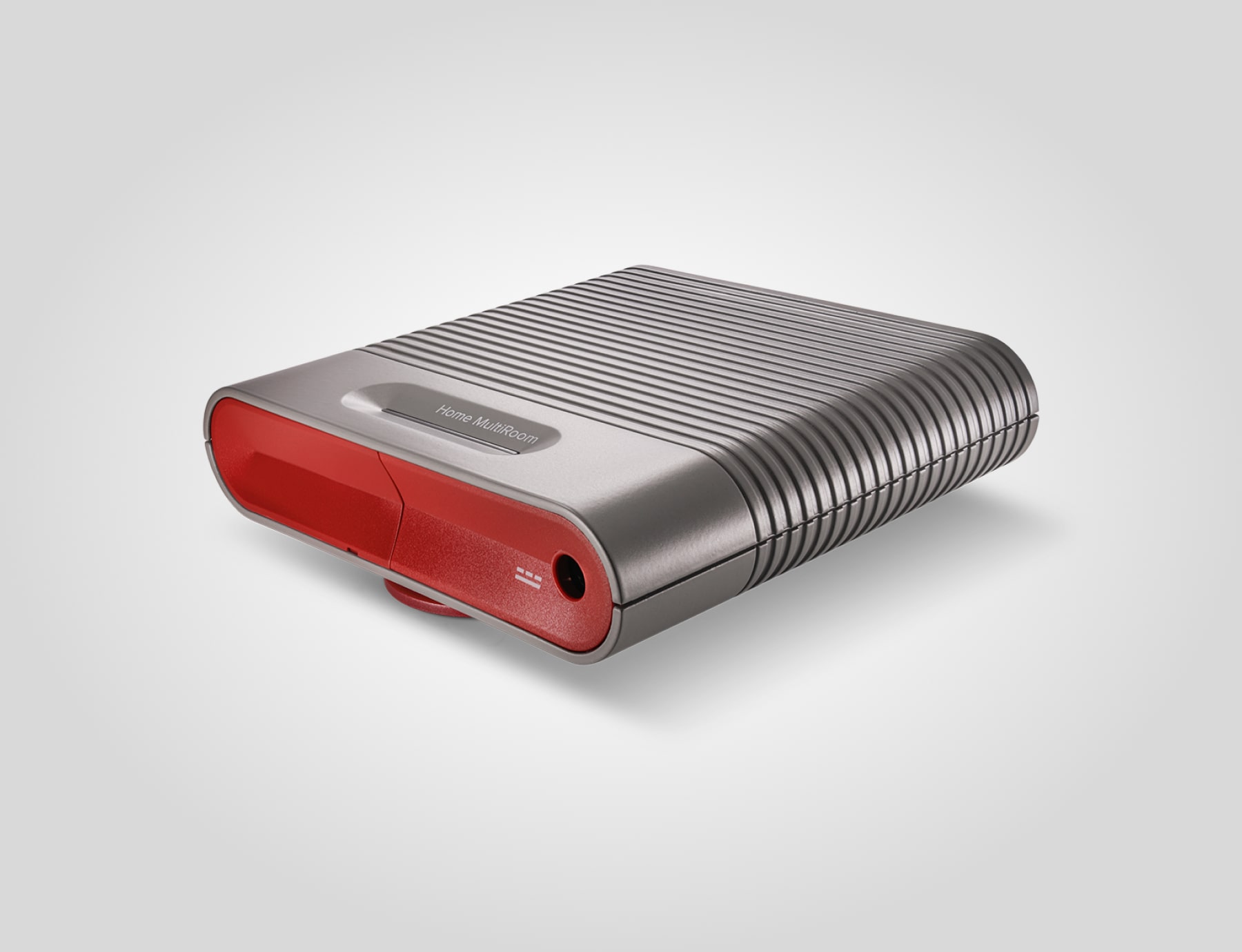
The weBoost Home MultiRoom is the bigger condo-owner version of the cell booster plan. It makes sense when one room is not enough and antenna routing is allowed. It is usually too much friction for a renter who only needs a reliable command-post phone.
Pros & Cons
Pros
- Higher-coverage option for larger condos
- All-carrier support keeps mixed-household phones on the same plan
- Good fit for a designated command room
- More margin when outdoor signal is weak
- Established support and accessory ecosystem
Cons
- Too much kit for many renters
- Antenna placement can trigger landlord or HOA friction
- Wireless-provider registration and E911 caveats still apply
- Expensive if Wi-Fi calling already works
- Does not help when towers are fully down
weBoost Home MultiRoom Cell Signal Booster
Amazon details may change after publication.
Best Use Case
Choose the MultiRoom when a larger condo, shared family unit, or building office needs more indoor coverage than a one-room booster can provide. It is also a better match when the outdoor signal is weak enough that a small booster leaves too little margin.
Install Friction
The install is the decision. Larger boosters tend to expose every building constraint: cable routing, antenna placement, balcony rules, window seals, and HOA expectations. For renters, that friction can outweigh the extra coverage.
Kit Role
In an OutageKit, the MultiRoom is the premium cell-preservation layer. Pair it with a power bank and written phone rotation schedule so the added coverage does not simply drain every phone at once.
Registration And E911 Caveat
Treat the MultiRoom like any other consumer cell booster: register it with the relevant wireless provider and follow the provider consent process before relying on it. It also does not make boosted emergency calls perfect. Keep the building address, unit, floor, stairwell, and meetup point in the printed plan because E911 location data can be less reliable through boosters.
Our Verdict
The Home MultiRoom is the serious condo-owner upgrade, not the casual renter pick. Use it when one room is not enough, the building has poor indoor signal, and you can route the antenna cleanly without violating lease or HOA rules.
weBoost Home MultiRoom Cell Signal Booster
$470
Amazon details may change after publication.
| Full Specifications | |
|---|---|
| Kit Role | cell booster |
| Category | cell-booster |
| Renter Install | permission likely |
| Building Fit | large condo |
| License Required | No |
| Subscription Required | No |
| Subscription/mo | 0$ |
| Max Power | — |
| Channels | — |
| Clear LOS Range | — |
| Coverage | 5000sq ft |
| Battery Life | — |
| Water Resistant | No |
| SOS Button | No |
| Weather Alerts | No |
| All Carriers | Yes |
| 2-Way Messaging | No |
Frequently Asked Questions
Should renters buy the MultiRoom before the Home Studio?
Does all-carrier support matter?
Related Buying Guides
Compare With Similar Outage Kit Components
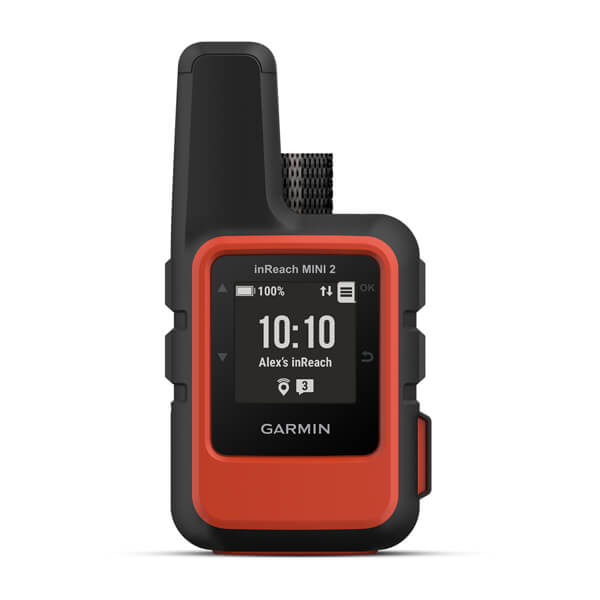
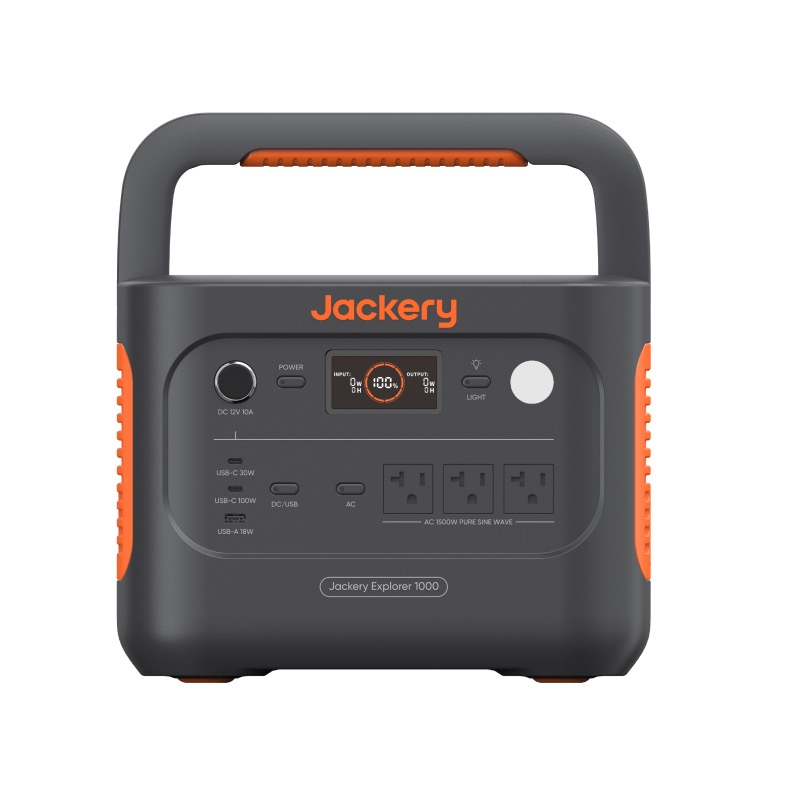
Jackery
Explorer 1000 v2
power station | No installation — plug in and charge | No
$449
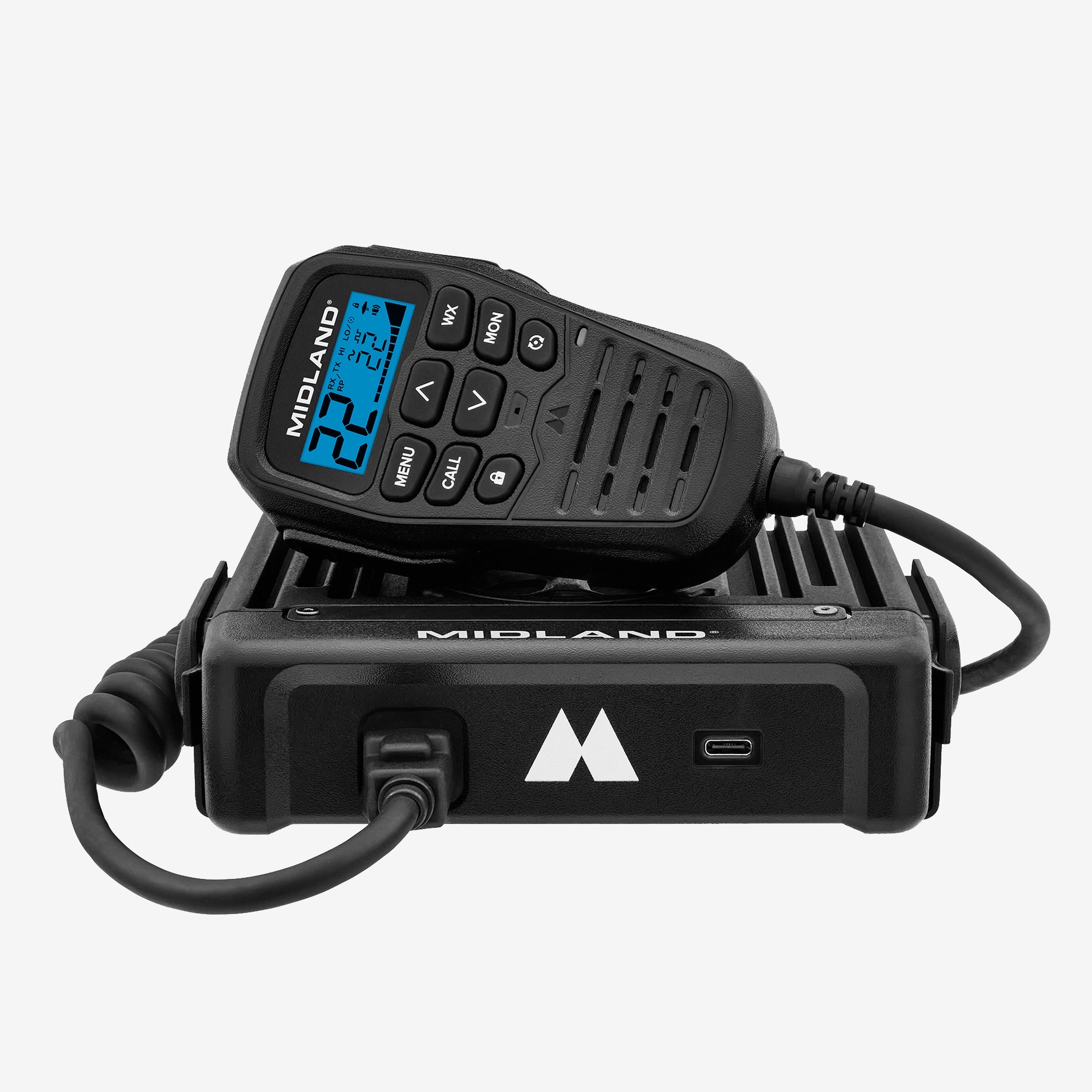
Midland
MXT575
Convoy GMRS command radio + NOAA weather alert monitor for RV/van builds | vehicle mount | Yes
$449
Head-to-Head Comparisons
weBoost Home MultiRoom Cell Signal Booster
$470
Amazon details may change after publication.